An index snapshot is not a restored service
Imagine a local assistant used by staff to search manuals and contracts, show sources, and enforce document access rights. After a failure, the vector database starts again, yet answers are empty or cite outdated files. The model may not be the problem. A collection snapshot restored vectors and data inside the collection, while source files, the embedding model, aliases, and access configuration were elsewhere. A backup has proved useful only when staff can again receive correct answers from documents they are authorized to see.
Qdrant describes snapshots as archives of collection data and configuration on a particular node. They include points, payloads, and the built index. Collection aliases, however, are not included and must be restored separately. In a distributed installation, a snapshot from one node does not replace the snapshots needed from other nodes and their shards. These are documented properties of Qdrant, not a universal statement about every vector database. Check the instructions against the version you actually run.
The business question is broader: how long may search be unavailable, and how many recent changes may be lost? These are commonly described as RTO and RPO. If a collection is refreshed weekly and all original documents are retained, rebuilding the index may be possible in an emergency. If new cases and decisions are added continuously, a week-old archive may be unacceptable. Backup planning therefore starts with the process and allowable downtime, not with the “create snapshot” button.
What must accompany the collection
A short release manifest helps restore a local RAG system. Record the Qdrant version, collection name and alias, vector and payload schema, exact embedding-model revision, document-splitting settings, parser version, source-file location, and access rules. Do not put secrets in this manifest: references to managed settings and responsible owners are enough. The manifest must correspond to the snapshot date; otherwise the restored index and the running application may come from different releases.
Back up original documents or a trustworthy primary archive separately, along with their version metadata, deletion records, and access-right changes. A search-collection snapshot is not a backup of the whole file system and cannot guarantee that a source link will still open after an incident. If indexing stored only a path to a network folder and that folder disappears, search may return a ghost document. The application should verify source availability and authorization before presenting an answer.
The embedding model is another compatibility component. Vectors made with one model cannot safely be queried with another merely because both have the same dimension. Restore the same model revision and text-normalization procedure, or plan a complete index rebuild. For a local LLM, also retain its approved weights, message template, and answer configuration; the Qdrant snapshot does not contain them.
A minimum release bundle can be described as follows:
- the collection archive and a checksum of the file;
- a record of snapshot time, point count, and database version;
- source-document archive and a mapping of `document_id` to file version;
- access schema, alias list, and recovery instructions;
- exact embedding-model revision and preprocessing parameters;
- test queries with expected source links, including documents forbidden to a given role.
A checksum shows that the copy did not change in transit. It does not prove that the data inside is logically correct. That is why a scheduled restore drill matters.
A safe restore drill
Do not test a backup by overwriting the active collection. Use an isolated test environment or a new collection name, verify Qdrant version compatibility and free capacity, and then restore the snapshot. Qdrant’s documentation limits snapshot portability to the same minor version or the following minor version under its compatibility rules. Its migration guide also notes that restoring a new cluster may require roughly twice the collection size on disk during the process: both the archive and recovered data occupy space. Plan for those constraints before an incident.
When restoring to a non-empty node, choose the data priority explicitly. Qdrant warns that its default can prefer an existing replica over the snapshot. For a new collection loaded from an archive, the docs show `priority=snapshot`. Do not copy that setting blindly into a live cluster: establish which data is authoritative and test the procedure in an isolated environment first. Cloud and distributed procedures differ from the single-node local startup path.
After loading, compare point counts, sampled `document_id` values, and version metadata. Then run test queries. They should cover a normal answer with the correct citation, an updated document, a deleted document, an unanswerable question, and an attempt by a user to retrieve content outside their role. If the application uses an alias, restore and check it separately: a collection may be healthy while the application searches the wrong place. Only after that should an approved procedure switch production traffic, with a rollback point recorded.
This is not advice to perform a production restore today. The aim is to document and rehearse a safe sequence on a copy. NIST guidance likewise emphasizes not just possessing backup files, but periodically testing whether they can be restored after data loss.
Cost and where not to economize
The model economics are straightforward: compare storage, transfer, test runs, and staff time with the expected cost of downtime and re-indexing. An RTO estimate, for example, must include more than unpacking an archive: fetching original files, starting the correct model, checking permissions, and running tests all take time. These are cost categories, not a promised duration or amount. Corpus size, disk speed, network, node count, and documentation quality materially change the result.
You can choose between restoring an index snapshot and rebuilding from primary data. A snapshot saves the time needed to regenerate vectors and the index, but requires compatible versions and archive space. A rebuild is more flexible when changing a schema or model, but consumes computation and time. For a small catalog, a tested rebuild path can be a useful fallback. For a large and frequently used collection, practicing snapshot restoration and keeping a recent copy away from the failed server matters more.
A copy in a folder on the same physical disk may help with some operator mistakes, but does little against a disk failure or complete host compromise. Backup storage needs separate access and a defined retention period. Encryption, access control, and export logging matter especially when payloads or source files contain contracts, personal information, or trade secrets. Retention and deletion should follow company policy and applicable requirements.
A first step for a small team
Pick one production collection and define its criticality: who depends on search, how much downtime is tolerable, and how many recent updates may be lost. Write the release manifest, list where every dependency is stored, and create a test copy. Then perform one restore under a separate collection name and measure the real time to the first correct answer. Record everything that did not come back automatically. That list is more useful than another green “backup completed” indicator.
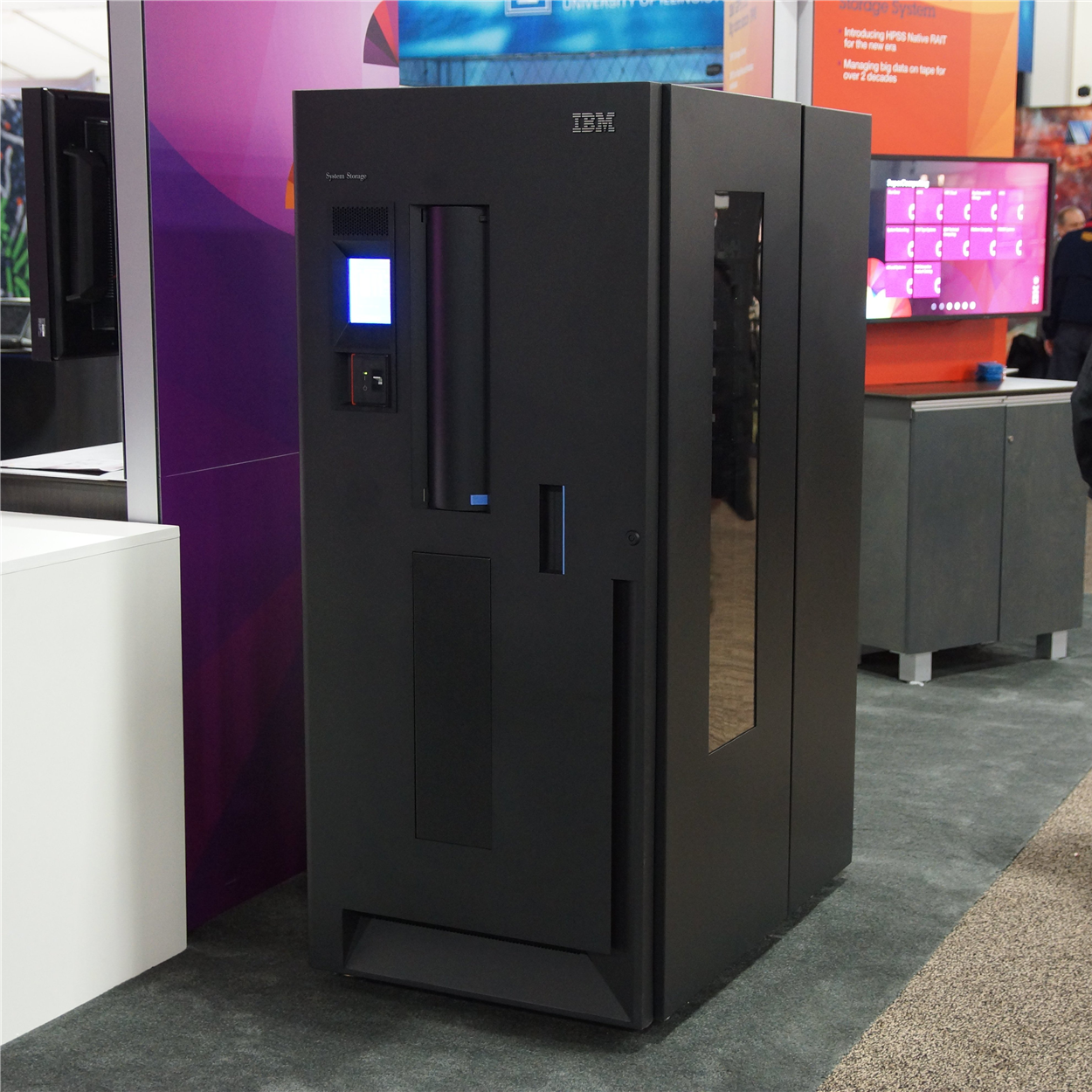
The tape-library photograph is a documentary illustration of backup storage, not an image of Qdrant or the infrastructure of the hypothetical business. Photo by Patrick Finnegan; square crop of the original Wikimedia Commons image licensed CC BY 2.0.