Where the “data stays with us” promise stops
Companies often choose a local model to keep control of internal documents. Yet the server running RAG, the model, query logs and indexes is still an ordinary computer. A drive can be removed for repair, sent to a supplier under warranty, lost with a device or retired without a proper procedure. If the files can be read from that drive without a key, the absence of an external AI API will not help.
Disk encryption addresses a specific threat: it protects data at rest when a drive or powered-off computer falls into unauthorized hands. Microsoft describes BitLocker as a safeguard against exposure from lost, stolen or improperly decommissioned devices. Ubuntu likewise explains LUKS-based full-disk encryption as protection when a device is lost or stolen. These are established operating-system mechanisms, not new AI features.
For a small company, the practical lesson is to check more than the server-room door before loading customer documents into a local system. Verify the encryption status of every volume that will hold originals, the vector database, temporary files, logs and exported copies. An encrypted operating-system drive does not imply that a separate document drive is encrypted too.
What encryption does and does not stop
If someone obtains a powered-off server or removed drive, correctly configured volume encryption makes its files difficult to read without a key. On Windows, a TPM commonly protects the BitLocker key; additional startup checks depend on the configuration and acceptable operational burden. On Linux, LUKS encrypts a block device and can be unlocked with a passphrase or a TPM-related mechanism. Test the chosen design on your actual hardware and OS version.
After normal startup, however, the volume is unlocked for the running system. A user or malicious process with sufficient privileges may read files through the operating system. Disk encryption does not replace accounts, directory permissions, network isolation, patches or audit logs. It cannot fix a RAG application that shows a document to a person who lacks permission. Those threats require other controls.
There is also an availability trade-off. Automatic 24/7 startup may conflict with a requirement for a human to enter a secret at every boot. Do not promise both unattended recovery and the strongest preboot check without deciding how the key will be released. Treat this as a business decision: who can bring the service back at night, how quickly, and what happens if the device or TPM enters recovery mode?
Map the data before choosing settings
First list every location where information lands. A typical local RAG deployment may use a source-file repository, metadata database, vector index, temporary OCR and text-extraction results, query logs, container volumes, caches and backups. Not every installation has every component. Verify actual paths and volumes instead of relying on a vendor slide.
For each location record whether it contains personal or commercially sensitive information, who may read it while the system is running, whether its medium is encrypted and how its key is recovered. Do not automatically label a vector index harmless: its payload may contain text chunks and document identifiers. Nor does this article claim that every embedding can be inverted into its original text. Assess the contents actually stored, not the word “vector.”
Temporary data needs particular attention. PDF conversion, OCR and model loading may use drives or directories different from the main application. Encrypting only “the database folder” can leave a sensitive copy in a working directory. Before production use, trace files from a test document and configure cleanup where appropriate.
A recovery key is part of the system, not a note under the keyboard
Encryption adds an availability risk: keys can be lost, and hardware or boot-setting changes may trigger recovery. Microsoft documents BitLocker Recovery scenarios separately and recommends storing recovery information safely. LUKS deployments likewise need an advance plan for an alternative unlocking method and an administrative procedure. If a disk cannot be opened after a motherboard replacement or the only administrator leaves, the protection has become an outage.
Assign a key owner and a backup owner. Keep keys separate from the server and data archives; record access. Do not paste a secret into an article, chat, repository or unencrypted file on the same machine. Verify that an authorized colleague can recover access on test hardware without help from the original installer. After an emergency key is used, review whether your policy requires its rotation.
Backups are a separate protection target. Encrypting a working volume does not imply that an exported archive, snapshot or external USB drive is encrypted. Those need their own settings, permissions and recovery test. NIST storage-security guidance calls out encryption, isolation and restoration assurance separately: one control does not substitute for another.
A check without an expensive project
Within a week, an IT lead can inventory one node without migrating the platform. List the disks and directories holding data, verify their actual protection state, test shutdown and restart in an agreed maintenance window, and practice recovery on a separate test medium. Use synthetic or de-identified documents; do not run a risky experiment on the only production server.
The pilot output is a short table: volume, data type, protection method, key owner, safe location of recovery information, measured time to service restoration and any unencrypted exports found. If the critical volume cannot yet be protected without unacceptable downtime, that is a management decision: change the storage design, startup model or risk appetite before loading a sensitive knowledge base.
Assess economics through configuration and test effort, extra restart time after an incident and potential losses from a missing drive. There is no universal price per gigabyte of security: a workshop with one public manual and an accounting team with customer files face different exposure and outage costs. Begin with the data-and-key map, not a new server purchase.
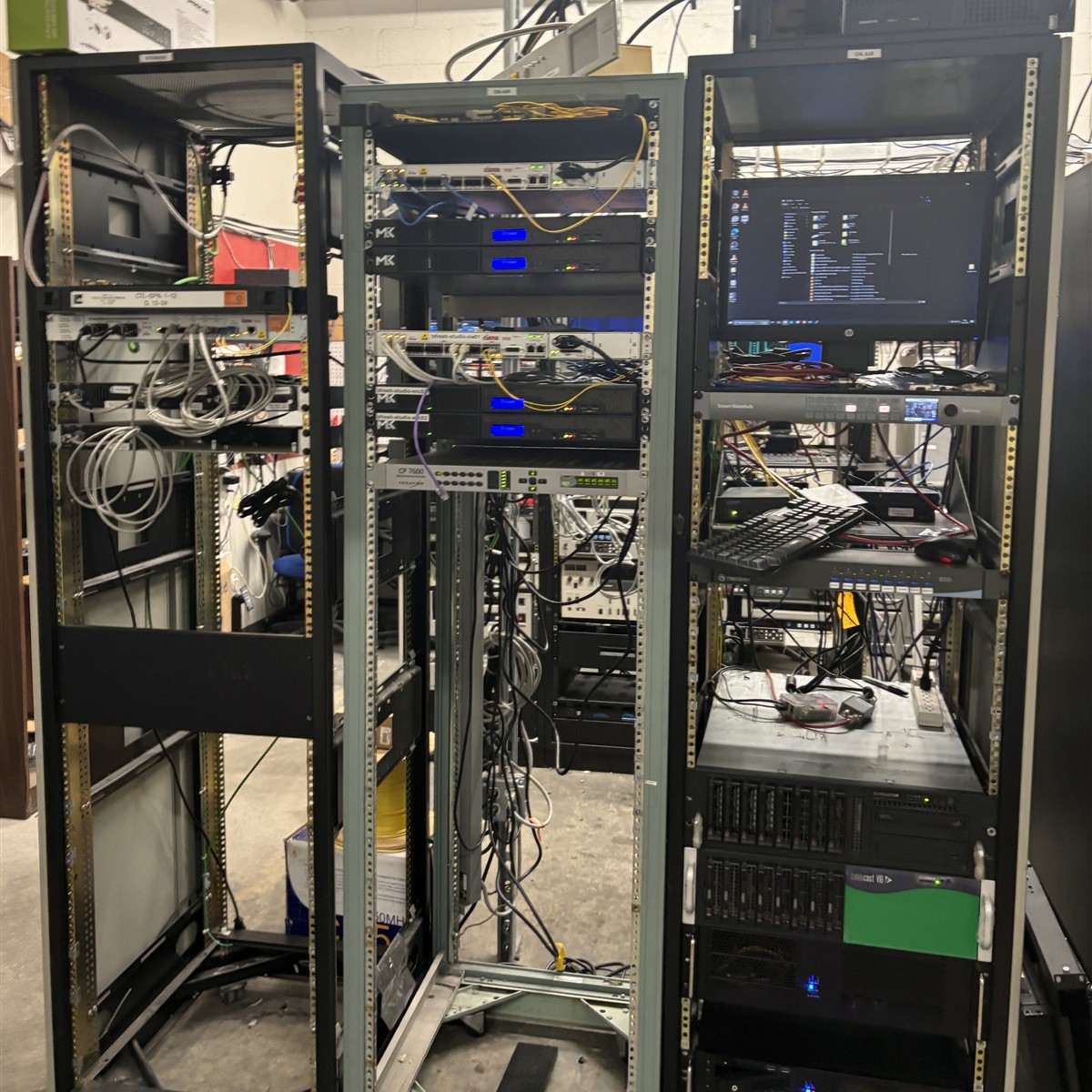
Photo: Myotus / Wikimedia Commons, CC BY 4.0; square crop of the original. It shows a real SPNN server rack, not INT AI infrastructure.