Why conversion needs its own quality gate
When a business moves contracts, requests and scans into search or an internal assistant, the discussion usually starts with the model and interface. Yet the first error often occurs earlier. A scan may become text with reordered columns, a missing footnote or a misread amount. Even a careful RAG system will then retrieve and cite an already corrupted passage. The process owner's question is not merely whether a PDF was parsed, but which documents can safely move forward without human review.
Docling is an open tool for locally converting multiple formats, including PDFs, images and office files, into a structured representation. Its documentation describes OCR, layout and reading-order analysis, and export to Markdown or JSON. It can run within an organization's own environment, but that does not make its output infallible. Image quality, language, tables and unusual layouts still matter.
What Docling's confidence grades actually mean
Since version 2.34.0, Docling has returned a `confidence` report in `ConversionResult`. It includes page-level and document-level assessments and the categories `POOR`, `FAIR`, `GOOD` and `EXCELLENT`. The developers explicitly recommend relying primarily on the aggregate `mean_grade` and `low_grade`. They describe the numbers between zero and one as internal values whose computation and weighting may change. Reading 0.91 as “91% accuracy” is therefore incorrect and potentially dangerous.
The components matter as well. `layout_score` concerns recognition of page elements; `ocr_score` concerns OCR-extracted text; and `parse_score` emphasizes problematic areas of digital text. According to the current documentation, `table_score` is not yet implemented. A high aggregate grade therefore does not certify every table cell, invoice number or amount. Docling offers table extraction, but its output must be tested separately against the organization's own documents.
In practical terms, `low_grade` can flag weaker areas while `mean_grade` describes average quality. Neither category replaces checks on business-critical fields. A contract search tool may only need sections restored well enough for a person to find a clause. A single wrong digit in a payment document can change an operational decision. The acceptance rule must depend on the action that follows conversion.
An architecture that does not assume trust
For a small business, a workable flow starts with an intake folder or a document-management integration. Each incoming file receives an identifier, process owner, document type, date, access rights and checksum. The original remains unchanged in storage. A local Docling service creates a structured result and quality report; the converter version, OCR settings and source file are retained alongside it. This makes an error reproducible after a model or pipeline update.
A separate business routing layer then decides what happens next, instead of writing blindly to the CRM:
- conversion failures and low-grade documents enter a human-review queue;
- documents containing tables, amounts or critical identifiers receive field-level checks even when their overall grade is high;
- good-quality documents without critical downstream actions can enter search or become a draft record;
- writes to systems of record and external actions happen only after human approval, or under a separately validated rule for a narrow document class.
This is an editorial implementation pattern, not a built-in Docling policy. The project supplies conversion signals; the business defines the response. A parser's technical confidence is not permission to pay an invoice, amend a contract or message a customer automatically.
Data and infrastructure for a pilot
You do not need the entire archive for an initial test. Collect 80–150 documents from the types that create actual workload: clean digital PDFs, poor scans, multi-page contracts, table-heavy forms and Russian-language documents. That sample size is a pilot planning suggestion, not a statistical guarantee. Include hard cases rather than optimizing only the average. Remove or protect personal data in the test set according to your access policy.
On a selected subset, label 20–30 critical fields and passages: amount, date, number, parties, contractual clause, heading-to-paragraph relationship and table rows. Record both the Docling grade and the actual error on those fields. The independent OmniDocBench research is a useful reminder that document parsing needs separate evaluation of text, layout, formulas and tables, not one attractive score. Its benchmark results cannot simply be transferred to your invoices and contracts without a local test.
An in-network deployment needs a Python environment, storage for originals and results, a job queue for batch workloads, logging that avoids unnecessary personal data, and access control. OCR may need additional engines and language packs; Docling documents several options, so test Russian and the quality of your particular scans in practice. CPU may be enough for a small pilot, while GPU need, memory demand and throughput should be measured on your files and configuration. “Local” does not mean “free of dependencies or operating cost.”
Count the economics without inventing benefits
The unit of outcome is not a processed file; it is a document that reaches the intended action with correct fields and acceptable review time. Measure manual-entry minutes before the pilot, review minutes after conversion, the share sent to the exception queue, corrections made after posting, and infrastructure and maintenance costs. Time saved is manual work removed minus review and correction time. If too many files become exceptions, automation simply creates a new work queue.
Here is an illustrative model, not a company result: at 1,000 documents per month and five minutes of manual handling each, the starting workload is about 83 hours. If conversion removes direct entry but review still takes three minutes per document, 50 hours remain, plus setup and error handling. OCR speed alone does not establish the business case; measure the whole process and the cost of a wrong field. Be particularly careful with financial or legal downstream effects.
Limits and a one-week next step
Do not use aggregate `confidence` as the sole gate for tables or critical fields. The missing implemented `table_score`, potentially changing internal numeric scores, heterogeneous scans and OCR errors make that threshold fragile. After upgrading Docling, rerun the same control set and compare actual fields, not only grades. Keep a person in the loop wherever an error costs more than a few minutes of review.
In the first week, choose one repeatable flow, such as incoming requests with attached PDFs, and name a process owner accountable for correctness. Run a small representative sample through local conversion, mark problematic pages, and count the share safe to pass onward. If quality is poor, fix scanning, OCR language selection and incoming document templates first. Only then decide whether an LLM or agent adds value.
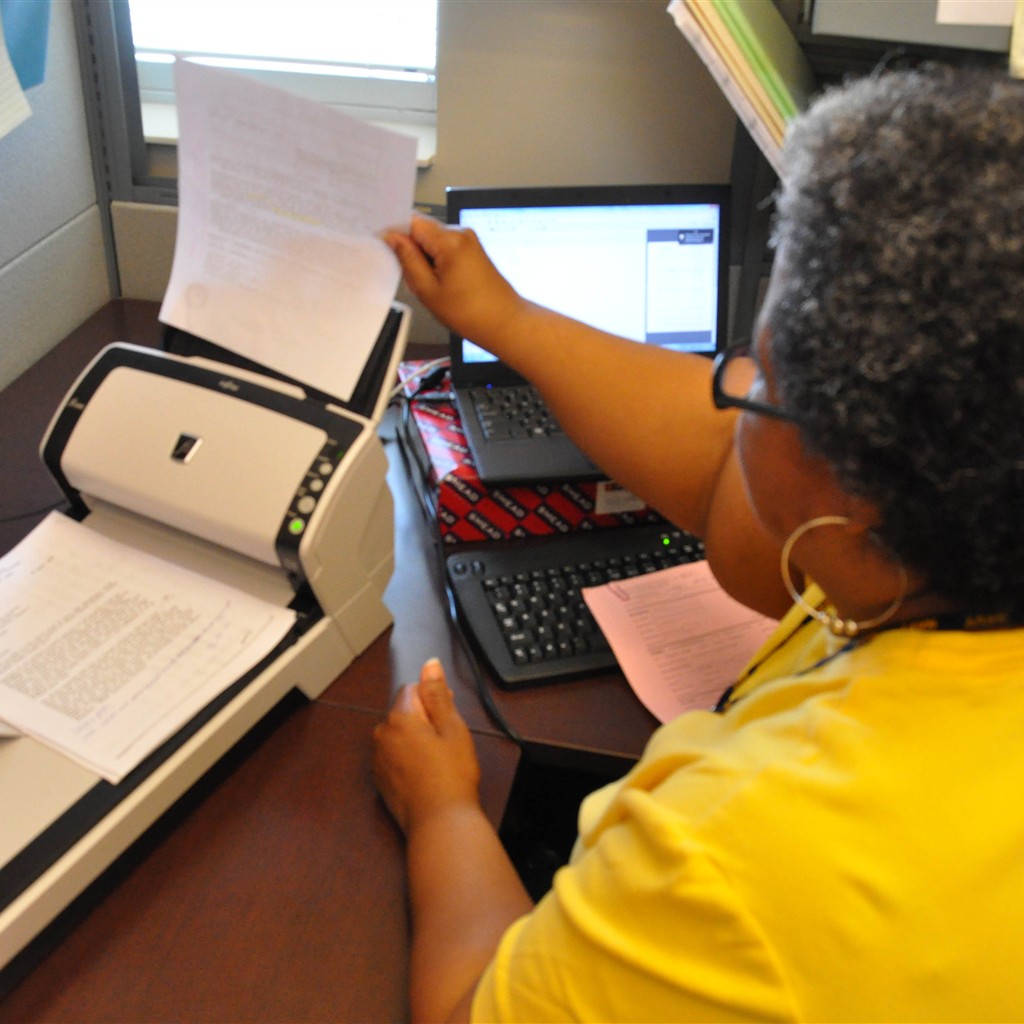
Photo: Sue Brink / U.S. Navy, published by NAVFAC, CC BY 2.0. The square cover is cropped without generative fill; it illustrates document digitization, not a specific Docling deployment.